While in Tokyo a few weeks ago, I saw all sorts of weird and interesting stuff. The weird stuff included solar-powered robotic grasshoppers; “ramen stalls”, where you order from a machine, pick up your order at a window, and then sit down in a one-person stall where you can slurp your noodles in private; a pink, animatronic, vaguely bird-like stuffed animal that lays plastic eggs; and a vending machine that will print an image of your face onto a keychain-sized character for just a few hundred yen. (I had my face printed on a frog.)
The interesting stuff included a lot of examples of really thoughtful product design. The first of these that I noticed was “sidewalk braille”, these textured strips and dots which visually impaired people can use to get around the city more easily. Raised bars are for walking, and dots indicate an intersection or change of direction. I tried navigating for a bit with my eyes closed and, at least with a pair of soft-soled shoes, it was possible to sort of make my way around. Neat idea.
In the subway stations, staircases are put to good use by putting information about the line you’re walking to onto the front faces of steps. This staircase had the times and fares to stops on the Ginza line. A thoughtful use of space.
The Japanese are obsessed with aesthetics, and also with vending machines. These interests converged in Oeno Park, where someone had the good taste to disguise a bright, unsightly vending machine (but not the blue recycling bin next to it) in bamboo.
By far and away the best product I experienced in Tokyo was my hotel alarm clock. It had three buttons: alarm on / off; alarm time up; alarm time down. All the display shows you is the time in big numbers, and the time the alarm will go off with a bell (where the dashes are in the photo) in small numbers. It was the first hotel alarm clock I’ve ever actually used, because I could figure out how to set it and was sure it would go off! No radio, no multiple alarms, no options on how to be woken up, no way to accidentally change the time, etc.
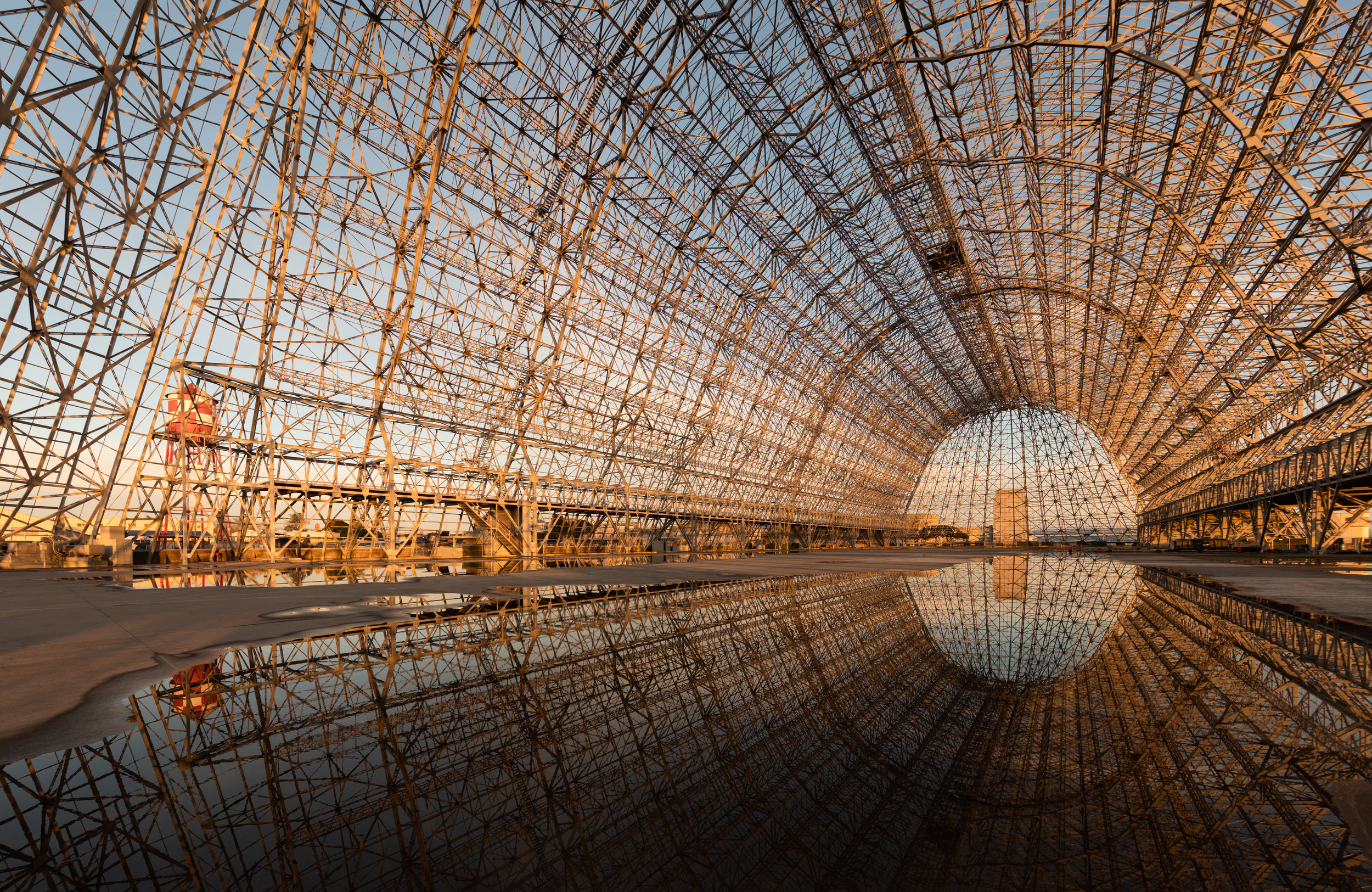
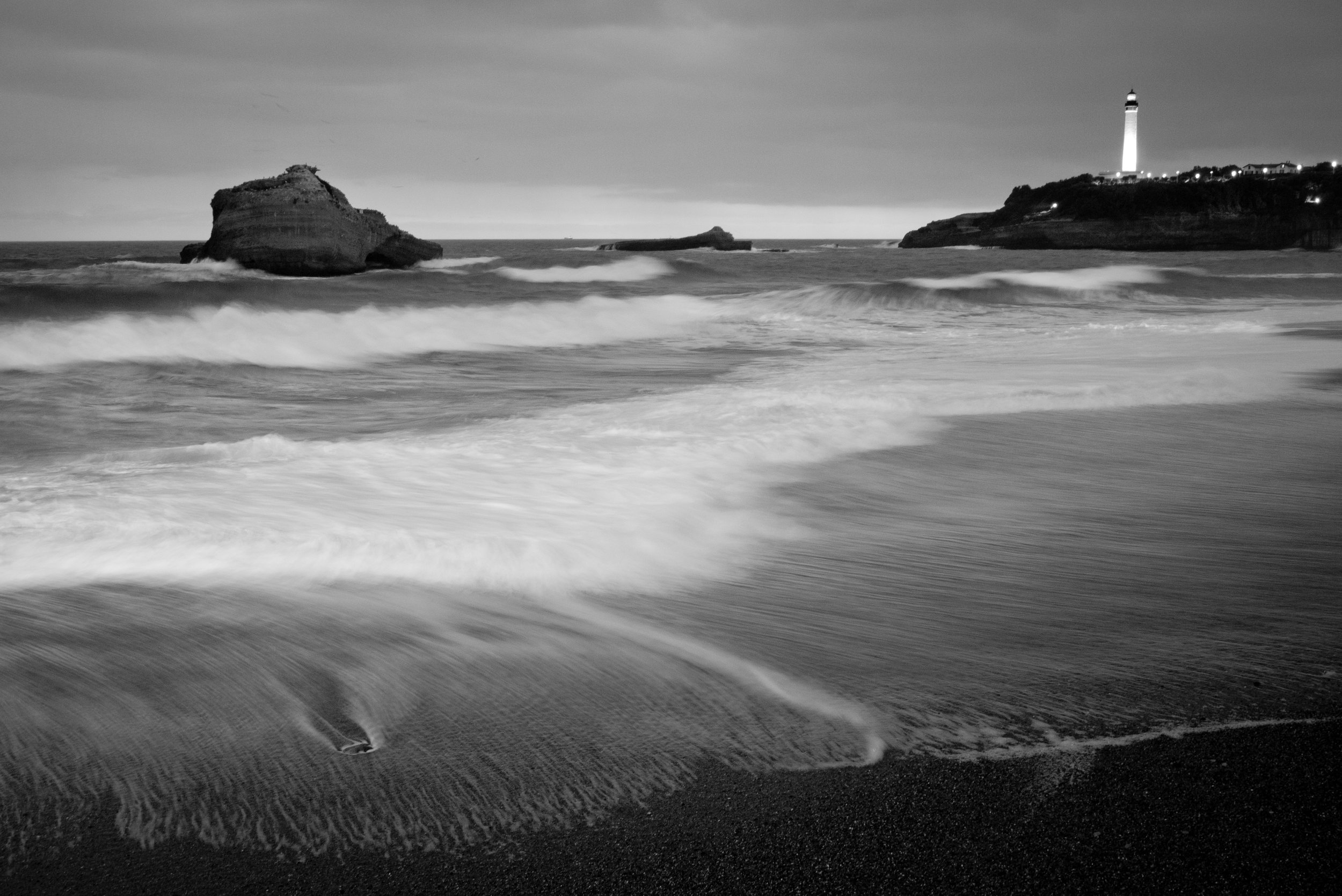
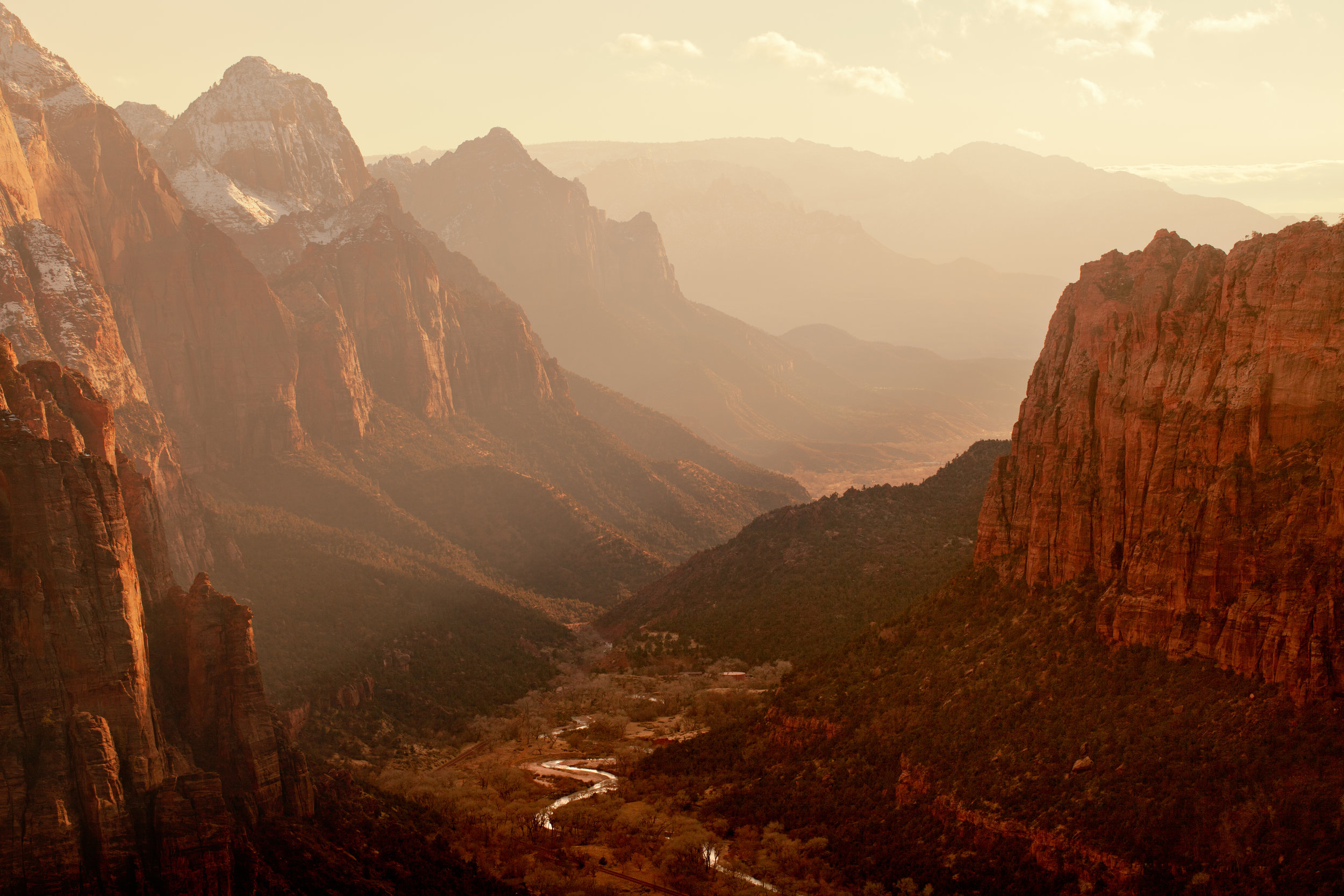
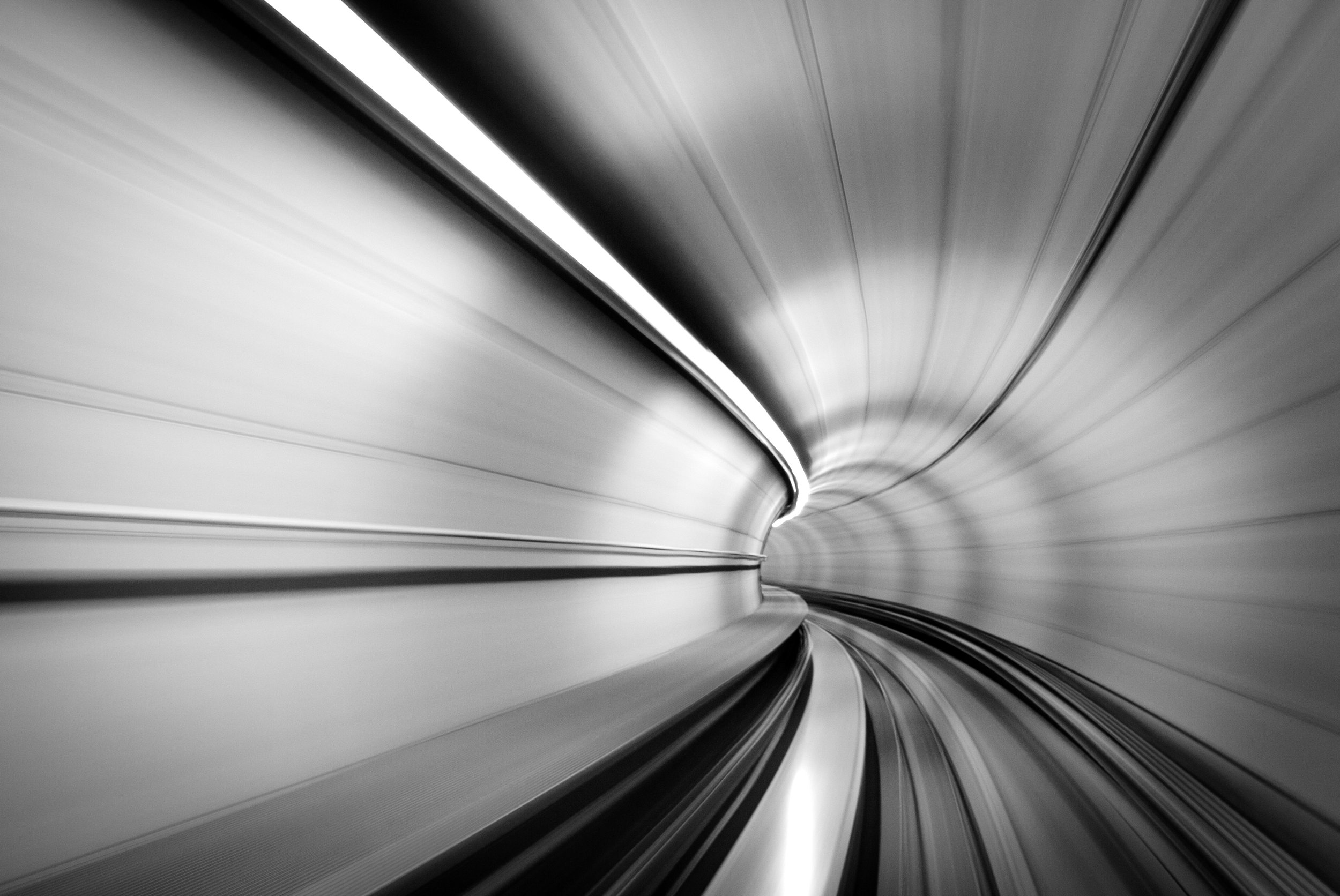
This week and last, I’ve been traveling around the world with a group of Google Associate Product Managers as a trip “chaperone”. Our first stop was Tokyo, which was a lot of fun to experience and to photograph. Here are a few of my favorite shots.
A few people told me that it was hard to get a sense for the scale and location of the photomosaic from the last post, so I thought I’d post a few “making of” pictures to put it in context and show a bit more about how it was made.
First, here’s the big, boring, green wall we that used on the fourth floor of our offices in Victoria:
The 884 photographs, printed by Snappy Snaps. It was the first photo order that I’ve ever picked up in a cardboard box!
Attaching the foam core (or “polyboard” as it’s known in the U.K.) to the wall. The tape on the floor defined the line of sight of the camera so we wouldn’t accidentally have an arm or leg in the corner of the frame.
Mid-way through the construction. (Thanks Simon Birkenhead for this photo.)
All done. Just checking for any photos in need of some extra glue.
For those who have asked about a complete “how to guide”: I’m working on one, but it’s going to be a while. Stay tuned.
A few years ago, I had the thought that it would be neat to create a “real” photomosaic. That is, instead of just printing off a poster where you have a bunch of tiny, postage-stamp-sized images playing the role of the “tiles” that make up the larger, underlying image, you’d have a bunch of real, high-resolution 4×6 photographs doing the job.
There were a few aspects of the project that appealed to me (i.e., that made it complicated.) First, in order to have enough “tiles” to make the underlying image clear, the mosaic would have to be really, really large, so a giant wall became a requirement. Second, for you to be able to appreciate both the underlying image and the individual tiles, you would have to be able to see the mosaic from a large distance (so the tiles blend to create the larger image), and also be able to walk right up to it to look at individual photographs. So the giant wall would have to be at the end of a long hallway or outdoors in an open space. And third, if you can inspect individual images, then those images would have to be nice, crisp, high-resolution photographs. So I knew I couldn’t just source a bunch of images off of the web. I’d have to get the original image files, suitable for printing, directly from photographers.
On Thursday night, after many months of planning, and with help of several dozen friends and fellow Googlers, everything finally came together. Using 884 individually printed 4×6 photographs of people, places, and things around the U.K. (all of which were taken by Googlers), a bunch of us in Google’s offices in London created a giant Google logo on a ~10×20 foot wall.
It really is something you have to experience in person to take in the full effect. Seeing it from 100 feet away, parsing it clearly as the Google logo, and then walking right up to it to inspect the details of individual images is very cool. But for anyone not in London, here’s an attempt to recreate that experience with a zoomed out view, a zoomed in view (the bottom right of the “G” and the lower left of the red “o”), and then an individual tile image.
(This is the lower right of the big G and the lower left of the red o.)
(This is Greg Block’s photo, not mine.)
I also took a time lapse video of the construction process to show how everything came together. (The camera took a shot every 7 seconds, so about 5.5 hours of work are compressed to 1:20 here.) I suggest watching the video in HD (you can change the setting once the video starts playing) and in full screen mode so you can see the individual photos.
I want to thank everyone who contributed their photographs, their time, and their brain cells (I did not anticipate the effect that a dozen large tubes of rubber cement in an enclosed space would have!) to make this project happen. Thanks especially to Ade Oshineye, Ana Harris, Beth Foster, Christopher Allen, Dan Crow, Don Dresser, Gabriel Hughes, Greg Block, Jonathan Barker, Kyle Maddison, Ludwik Grodzki, Maarten Wilke, Noah Samuels, Noam Wolf, Rian Liebenberg, Ronnie Boadi, Sarah Hunter, and Simon Birkenhead for contributing a total of over 4,000 photographs, and to Ana Harris, Annabel Tucker, Beth Foster, Caitlin Pantos, Gavin Barnard, Greg Block, Jonathan Barker, Kajal Patel, Marco Duarte, Mike Smith, Rob Gates, Simon Birkenhead, and Tom Ayles who helped with construction. And, of course, thank you Kelly for being patient and supportive throughout the 40 or 50 hours it took to do all this!
[Update on May 12, 2010: replaced the YouTube video with a version with music.]
The volcanic ash cloud kept me in New York for a few days longer than I had anticipated being there. Fortunately, I had my camera, so I spent a couple of afternoons taking photos. I liked these two shots the best. (Other recent photos here.)
My plan is to write (probably not very much, and probably not very often) about a few things here:
Stuff I come across that I think is cool, interesting, or insightful enough to be worth sharing, and that won’t fit in 140 characters
Photos, projects, and other stuff I create
My own thoughts on products and product development
Since the iPad comes out tomorrow, I thought I’d kick off with a (3).
Over the past few weeks, starting on March 12th when I tweeted about pre-ordering one, many people have asked me, you’re getting an iPad? Really?! Why?
Here’s my reasoning:
Within 5 years, I think 80% of people will do 80% of their non-work web browsing (blogs, news sites, YouTube, etc.) on an iPad or iPad-like device. I believe this because I love the browsing experience on my iPhone so much: it’s instant, it’s natural, and it comes in a much more convenient form factor than a laptop. So the iPad will start this big trend, and I’d like to get out ahead of it by understanding the device and what kind of apps you can build for it. (I don’t think anyone has fully appreciated the stuff that will be possible with a big, portable, high-resolution touchscreen.)
Putting aside my personal beliefs about trends in web browsing and devices, Apple and Jobs are both influential and prescient. If they think this is the next big thing, maybe it is. And the last two times people doubted Apple – iPod, iPhone – people were wrong.
Whatever Apple does, they do really well. (There are a few exceptions.) I like to learn from their product design wherever I can.
Curiosity.
$500 is a lot of money, but not that much money for 1-4.
Obviously, I also think I’ll use the thing a lot: to read the blogs and other sites I visit most, browse the web while watching TV, use in the kitchen to display a recipe, and so on.
I got the 16GB iPad with no 3G because I don’t expect to watch many movies on it – I’m not so happy about the 4×3 aspect ratio – and, living in London and traveling a lot, I know that dealing with international data roaming will be a pain.
I hope it’s great.
[Note: I edited this post lightly for clarity after posting it.]